Google PlayのAPI35対応してくれ!ときて1年前に更新したアプリを開き、、、あぁ、、Android Studioもはじめ更新が入るんだろうなぁとかFlutterが古いとか言われるんだろうなぁ・・・とか思いながらリリース用のコンパイル
flutter build appbundle --release
・・・略
FAILURE: Build failed with an exception.
* Where:
Script '/Users/xxxxxx/yyyyy/flutter/packages/flutter_tools/gradle/app_plugin_loader.gradle' line: 9
* What went wrong:
A problem occurred evaluating script.
> You are applying Flutter's app_plugin_loader Gradle plugin imperatively using the apply script method, which is not possible anymore. Migrate to applying Gradle plugins with the declarative plugins block: https://flutter.dev/to/flutter-gradle-plugin-apply
うはぁ、、、なんだ?Flutter自身の持ってるgradleファイルがエラー吐いてるって?これ自分無理だわぁ・・・ムーリー!って泣きながら見てるとおや?ここ見ろって書いてある。
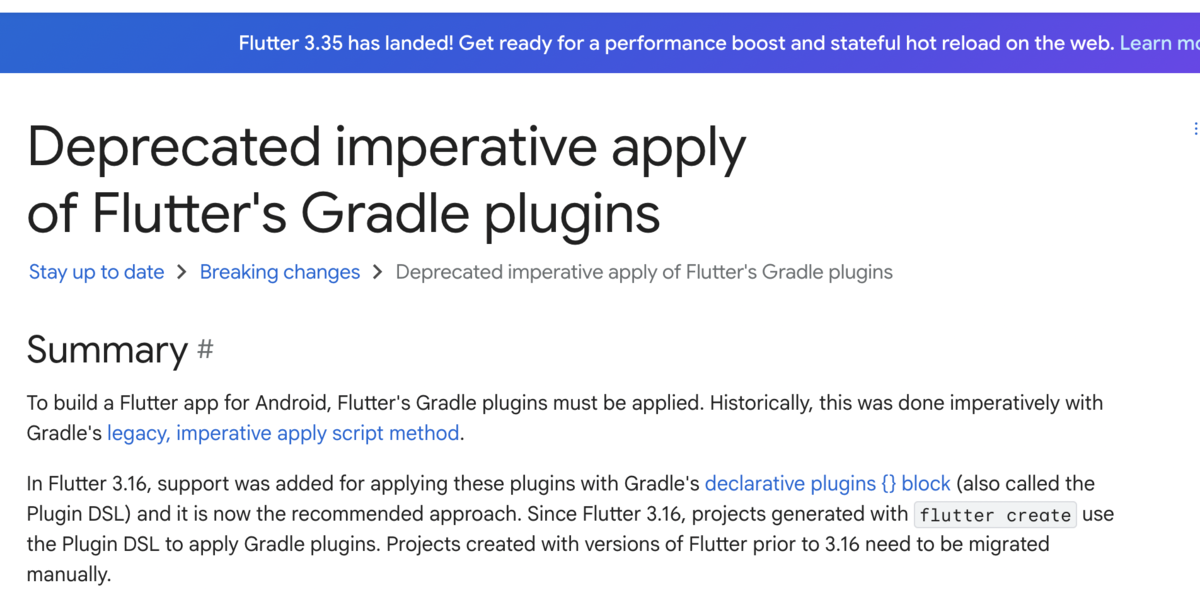
なお、この時点でのFlutterのバージョンは3.35.1
% flutter --version
Flutter 3.35.1 • channel stable • https://github.com/flutter/flutter.git
Framework • revision 20f8274939 (5 days ago) • 2025-08-14 10:53:09 -0700
Engine • hash 6cd51c08a88e7bbe848a762c20ad3ecb8b063c0e (revision 1e9a811bf8) (5 days ago) • 2025-08-13 23:35:25.000Z
Tools • Dart 3.9.0 • DevTools 2.48.0
どうやらgradleのプラグインの適用方法などが変わってて以下のファイルを変更してよと・・・
android/settings.gradle
android/build.gradle
android/app/build.gradle
自分の場合、上記URLのサンプルを丸写しでプロジェクトにペーストしてだいたい良かったです。色々と別の問題も出てきましたがそれはまた別なものなので・・・
